 Wingware
Using Wing with Blender

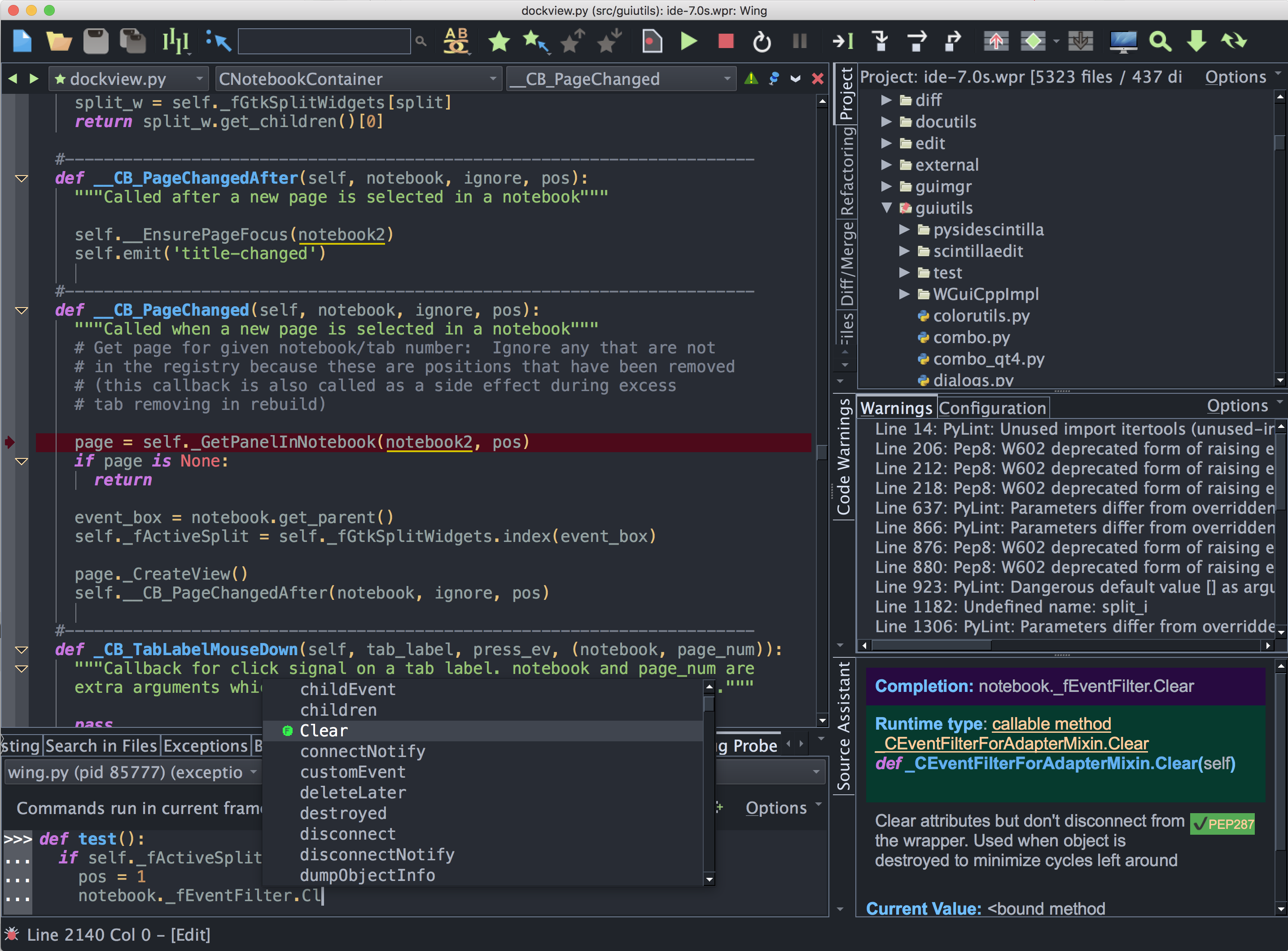
Wing is a Python IDE that can be used to develop, test, and debug Python code written for Blender, an open source 3D content creation system.
If you do not already have Wing installed, download it now.
This document describes how to configure Wing for Blender. To get started using Wing as your Python IDE, please refer to the tutorial in Wing's Help menu or read the Quickstart Guide.
Working with Blender
Blender loads Python scripts in a way that makes them difficult to debug in a Python debugger. The following stub file can be used to work around these problems:
import os
import sys

# MODIFY THESE:
winghome = r'c:\Program Files (x86)\Wing 12'
scriptfile = r'c:\src\test\blender.py'

os.environ['WINGHOME'] = winghome
if winghome not in sys.path:
    sys.path.append(winghome)
#os.environ['WINGDB_LOGFILE'] = r'c:\src\blender-debug.log'
import wingdbstub
wingdbstub.Ensure()

def runfile(filename):
    if sys.version_info < (3, 0):
        execfile(filename)
    else:
        import runpy
        runpy.run_path(filename)

runfile(scriptfile)
To use this script:
- Modify winghome & scriptfile definitions where indicated to the wing installation directory and the script you want to debug, respectively. When in doubt, the location to use for winghome is given as the Install Directory in Wing's About box (accessed from Help menu).
- Run blender
- Press Shift-F11 to display the text editor
- Press Alt-O to browse for a file and select this file to open
Once the above is done you can debug your script by executing this blender stub file in blender. This is done using the Run Script button on the bottom toolbar or by pressing Alt-P, although note that Alt-P is sensitive to how the focus is set.
Note that you will need to turn on listening for externally initiated debug connections in Wing, by clicking on the bug icon in the lower left of the main window and selecting Accept Debug Connections in the popup menu that appears.
Related Documents
For more information see:
- Blender website
- Quickstart Guide contains additional basic information about getting started with Wing.
- Tutorial provides a gentler introduction to Wing's features.
- Wing Reference Manual documents Wing in detail.