 Wingware
Wing Tutorial
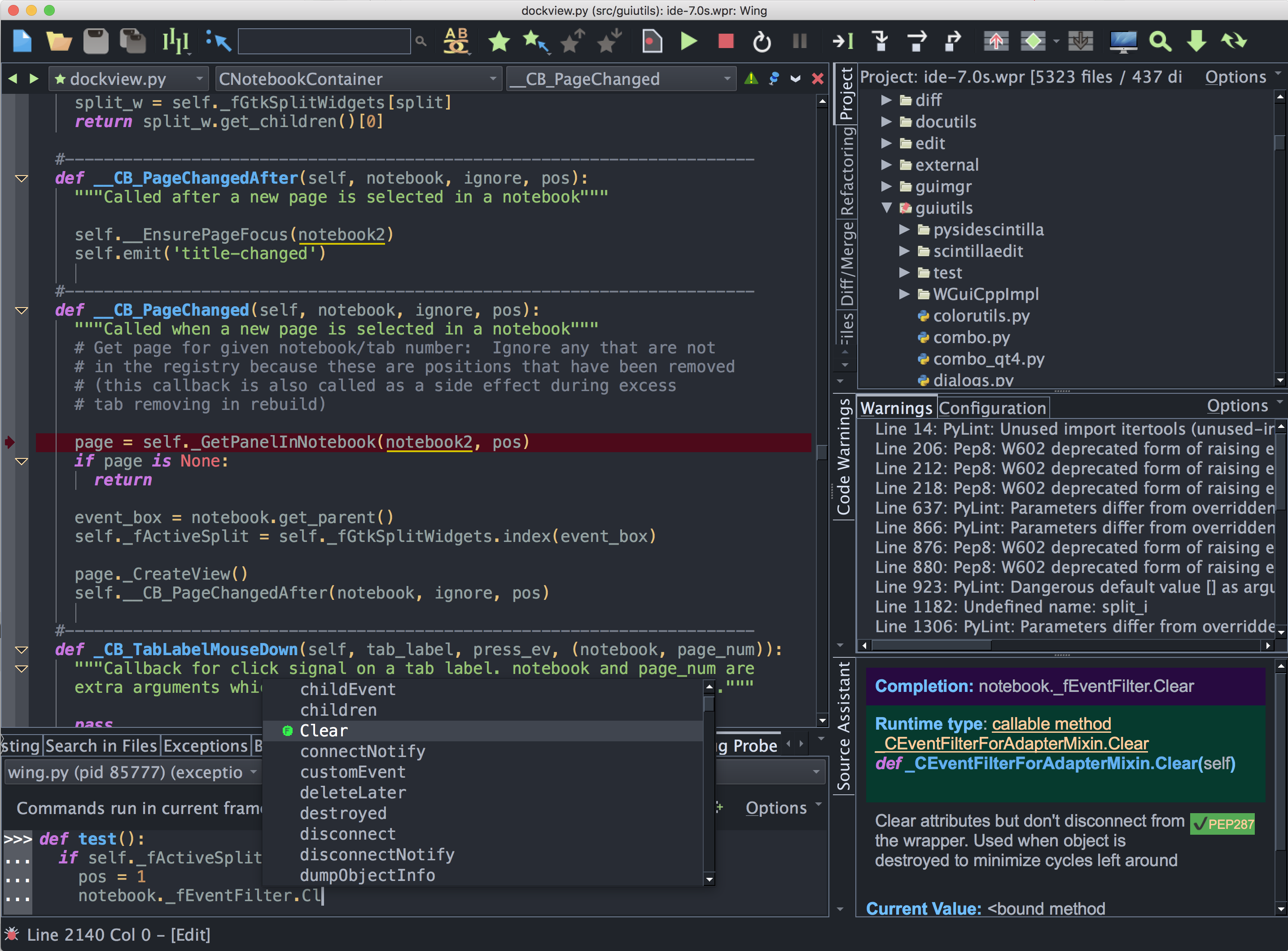
This Tutorial walks through Wing using a small coding example. It covers more ground than the Quick Start Guide and is the right introduction if you prefer to learn by working through a coding example.
Wing 12 ships with a deep integration of Claude Code, Anthropic's AI coding agent. AI agents substantially change how software is developed, and Wing 12 is built around this new reality. This Tutorial leads with the AI agent workflow because that's how most software development will be done in the future.
If you don't want to use AI agents yet, skip ahead to Tutorial: Classic IDE Features.
Otherwise the Tutorial unfolds in two parts:
- The AI Agent Features – In this part of the tutorial, you will set up Wing's AI-agent integration, run a small task, review the agent's changes, and commit. By the end you will have completed a full Plan -> Execute -> Review cycle, have a general understanding of the AI agent integration in Wing 12, and an introduction to best practices when working with AI agents in this context.
- Classic IDE Features – the project manager, version control, testing, debugger, editor, search, and other features. Useful also if you work primarily with the AI agent.
Our How-Tos show how to use Wing with 3rd party web development frameworks, GUI toolkits, scientific data visualization tools, Python-based modeling, rendering & compositing systems, and other Python frameworks and toolkits.
A collection of Wing Tips, available on our website and by email subscription, provides additional tips and tricks for using Wing productively.
Section Contents
2. Tutorial: Getting Started
3. Tutorial: Using AI Agents
3.0. Tutorial: Your First Agent Task
3.1. Tutorial: Review and Commit
3.2. Tutorial: Iterating with the Agent
3.3. Tutorial: The Tasks Tool
3.4. Tutorial: Tests as Agent Feedback
3.5. Tutorial: Execute Mode and Session Reuse
3.6. Tutorial: Working Safely
3.7. Tutorial: Getting Reliable Results
4. Tutorial: Classic IDE Features
4.0. Tutorial: Set Up a Project
4.1. Tutorial: Check your Python Integration
4.2. Tutorial: Setting Python Path
4.3. Tutorial: Version Control Systems
4.4. Tutorial: Code Warnings
4.5. Tutorial: Unit Testing
4.6. Tutorial: Debugging
4.6.0. Tutorial: Execution Environment
4.6.1. Tutorial: Debug I/O
4.6.2. Tutorial: Debug Process Exception Reporting
4.6.3. Tutorial: Interactive Debugging
4.6.4. Tutorial: Debugging from the Python Shell
4.6.5. Tutorial: Debugging Code Not Launched by the IDE
4.6.6. Tutorial: Other Debugger Features
4.7. Tutorial: Refactoring
4.8. Tutorial: Introduction to the Editor
4.9. Tutorial: Navigating Code
4.10. Tutorial: Other Editor Features
4.11. Tutorial: Auto-Editing
4.12. Tutorial: Indentation Features
4.13. Tutorial: Turbo Completion Mode
4.14. Tutorial: Searching
4.14.0. Tutorial: Toolbar Search
4.14.1. Tutorial: Keyboard-Driven Search and Replace
4.14.2. Tutorial: Search Tool
4.14.3. Tutorial: Search in Files
4.15. Tutorial: Other IDE Features
5. Tutorial: Further Reading