 Wingware
Wing's Claude Code Agent Integration
Wing 12 integrates the Claude Code AI coding agent directly into the IDE. Plan tasks, delegate implementation to the agent, and review the results -- all without leaving Wing. The same debugger, testing, and code analysis tools that you use for hands-on development are also available to the agent through Wing's MCP servers, so the agent can find definitions instantly instead of grepping, run only the tests affected by its changes, and use real breakpoints instead of guessing. Same work, fewer tokens, less time.
The result is a development workflow where you manage AI engineers from the IDE you already know, while keeping yourself in control of every commit.
Initial Benchmark Results
In initial benchmarks across 12 paired Python coding tasks -- covering code navigation, test selection, refactoring, test-failure investigation, runtime introspection, and multi-hop type inference -- Claude Code with Wing's MCP servers attached won 8 outright, tied 3, and lost only 1 compared to Claude Code with only generic file-search tools. Both configurations reached the correct answer on every task; the difference is how much work it took. Highlights, at pay-as-you-go API rates (the actual cost with a Claude Code subscription is far less):
- Locating production callers of a generically-named method in a 25,000-line file: about $0.43 with Wing's analysis MCP vs $1.02 with plain search, with both finding all 9 callers.
- Reading a runtime value inside a paused unit test: a single Wing debug call, roughly 11x cheaper than reconstructing the run environment and writing a trace harness by hand.
- A four-task session on Wing's own codebase (navigate, fix, rename, and test, committing as you go): about $2.71 vs $4.14, roughly 35% cheaper and steadier across runs.
These are directional, paired benchmarks rather than one big headline number: Wing's MCP servers help most where the bottleneck is locating code or runtime state, and roughly break even on pure reading and synthesis. Read the full benchmark write-up for the methodology and complete results.
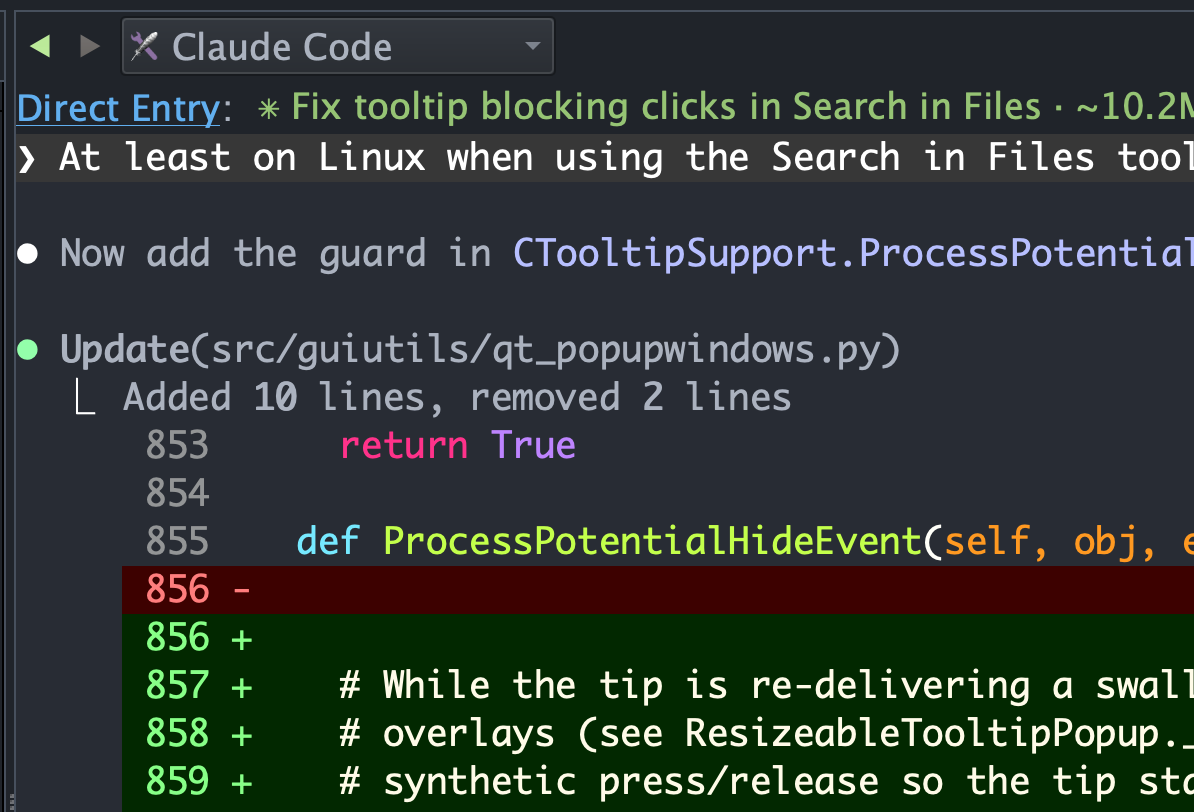
Claude Code Tool
Wing 12 adds a Claude Code tool that gives you a full agent terminal session inside the IDE. A new Set Up for Claude Code item in the Project menu configures the active project for AI agent development and tells the agent how to work with the sources in your Wing project -- including which Python interpreter to use, where the test suite lives, and which MCP servers are available. The agent can work on code on your local machine or on a remote host.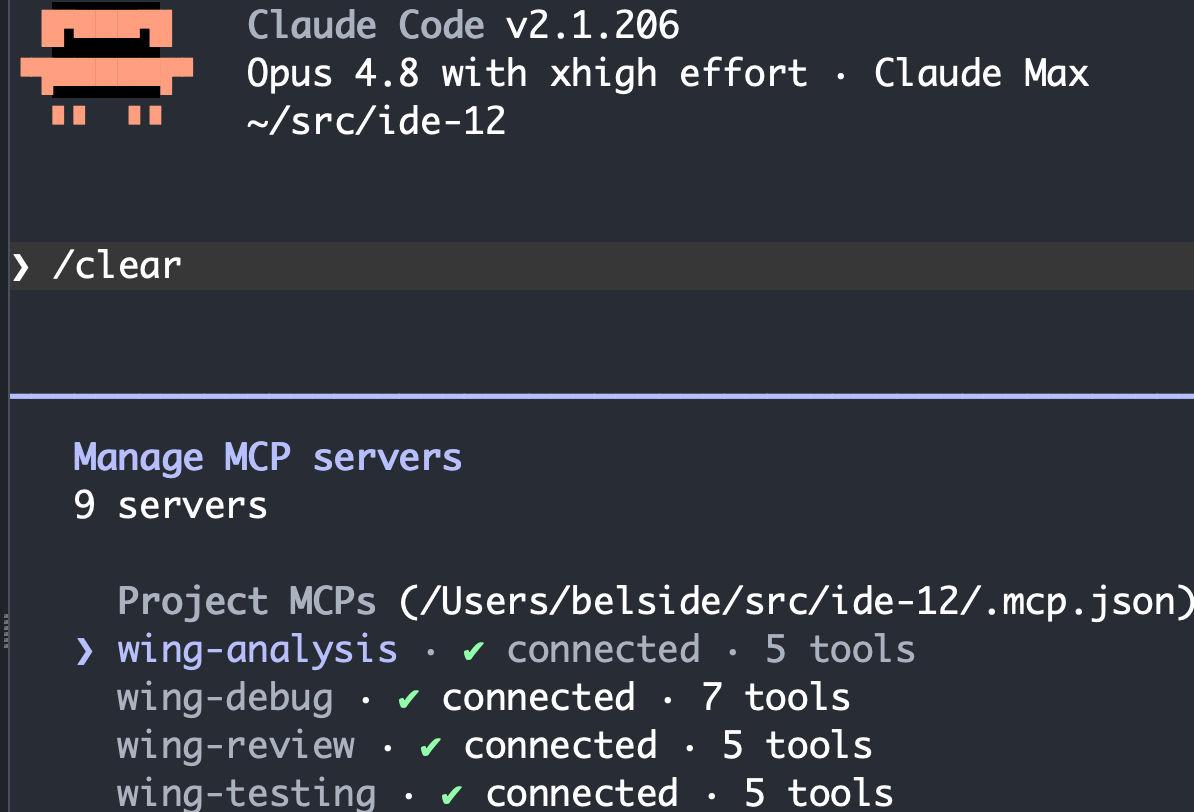
Mcp Servers
Wing 12 ships four MCP (Model Context Protocol) servers that give Claude Code structured access to Wing's functionality:
- Analysis MCP -- type-aware navigation that finds definitions, usages, and named scopes in one call instead of grepping through irrelevant matches.
- Debug MCP -- run code under the debugger, set breakpoints, evaluate expressions, and inspect runtime state, so the agent can diagnose failures on the first try.
- Testing MCP -- run only the tests affected by the agent's changes, using Wing's coverage data to identify what's stale rather than re-running everything.
- Review MCP -- structured diff review with file-level comments and approve/reject, so the agent's commits go through the same review workflow as a human's.
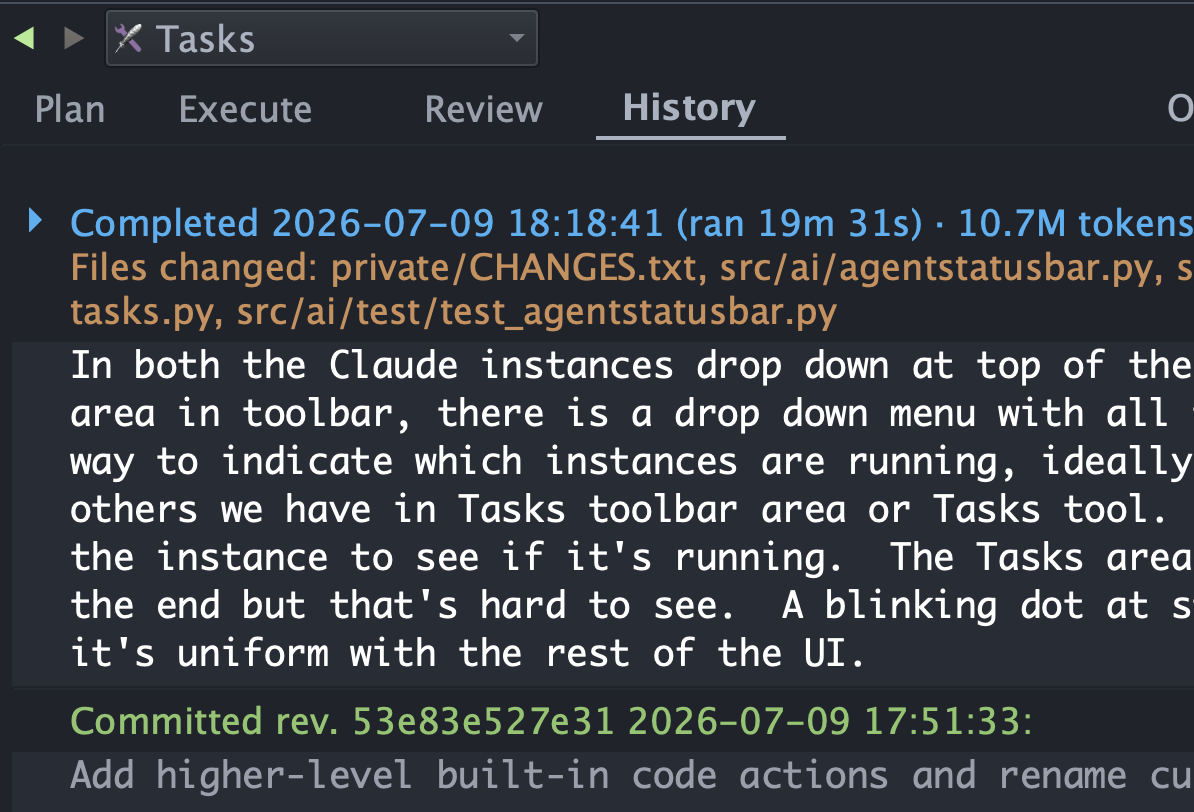
Tasks Tool
The new Tasks tool lets you plan, queue up, execute, review, and audit the history of AI agent development tasks. Tasks make it easier to supervise the agent's work, batch related changes together, and inspect everything before committing to revision control. Pre-approval settings let you control what the agent can do without prompting.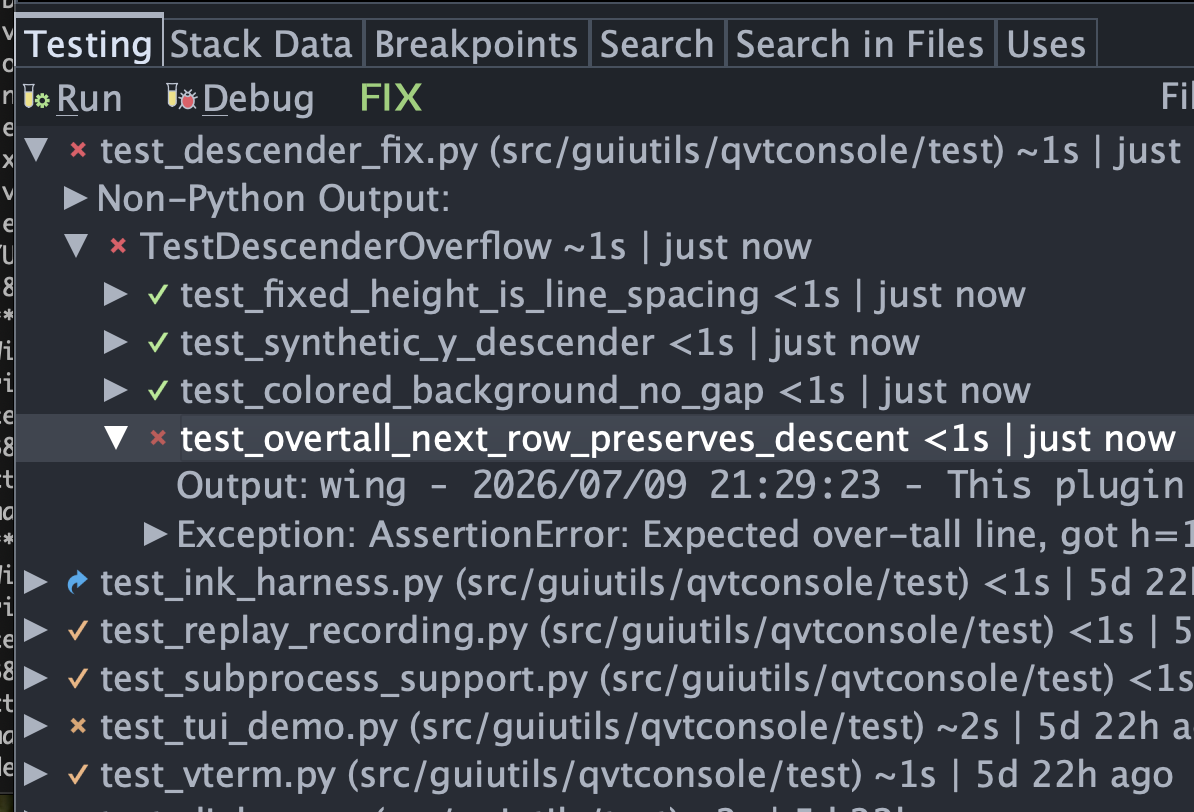
Fix Actions
Wing 12 adds AI agent driven FIX actions that hand off problems to Claude Code with a single click:
- Hit an exception in the debugger? Click FIX to hand the failure straight to the agent with the full debug context.
- Tests failing? Click FIX to hand off the failure list and let the agent diagnose and resolve.
- Code warnings in your file? Click FIX to ask the agent to address them.
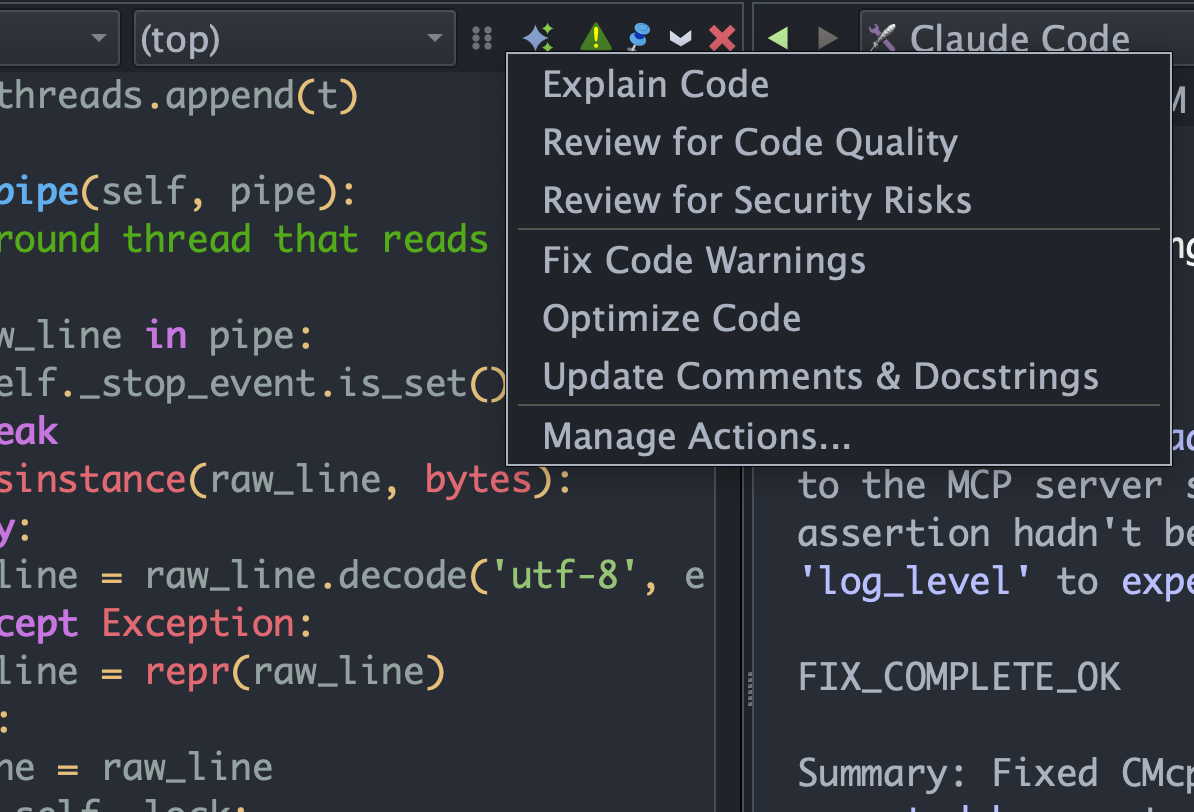
Code Actions
Right-click in the editor and pick from a set of AI-driven Code Actions: explain selected code, review for quality, review for security, or optimize. No prompt engineering required -- Wing builds the agent prompt with the relevant context.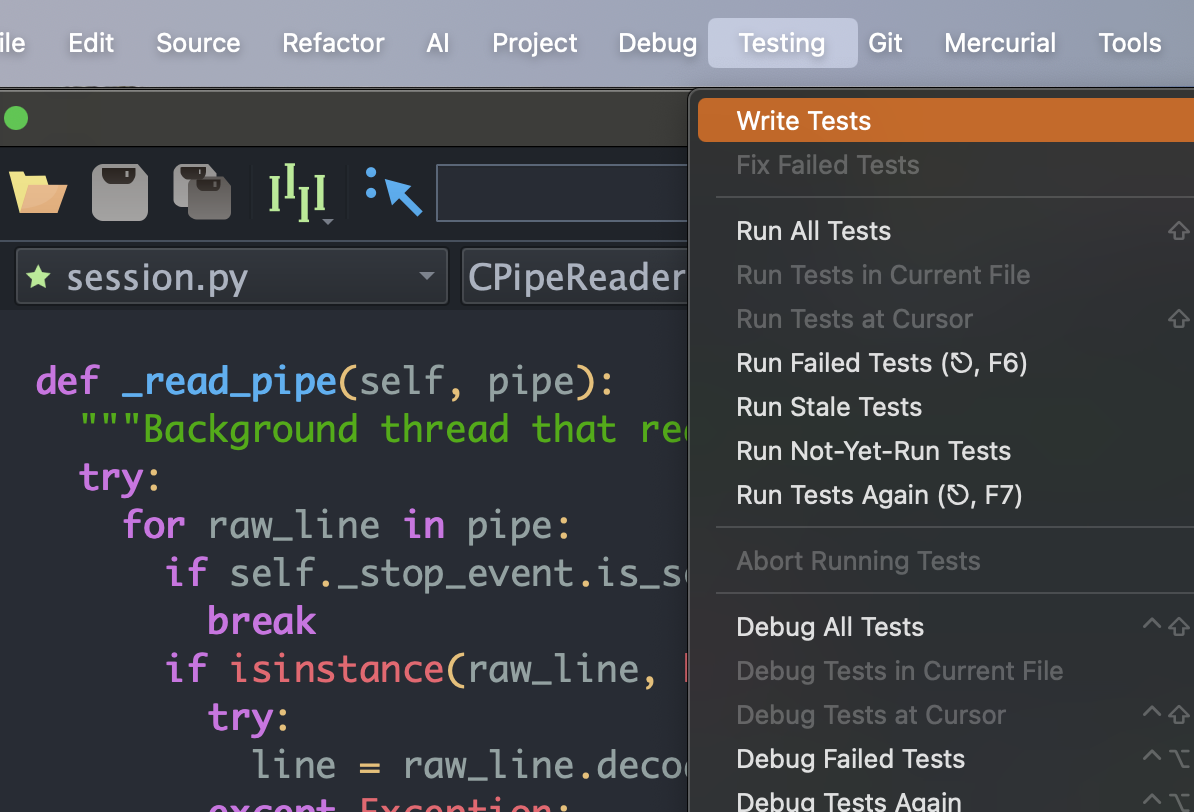
Write Tests
Write Tests items in the Testing menu and editor context menu prompt the agent to write unit tests for selected code. The agent uses Wing's testing MCP to run the tests it writes and iterates until they pass.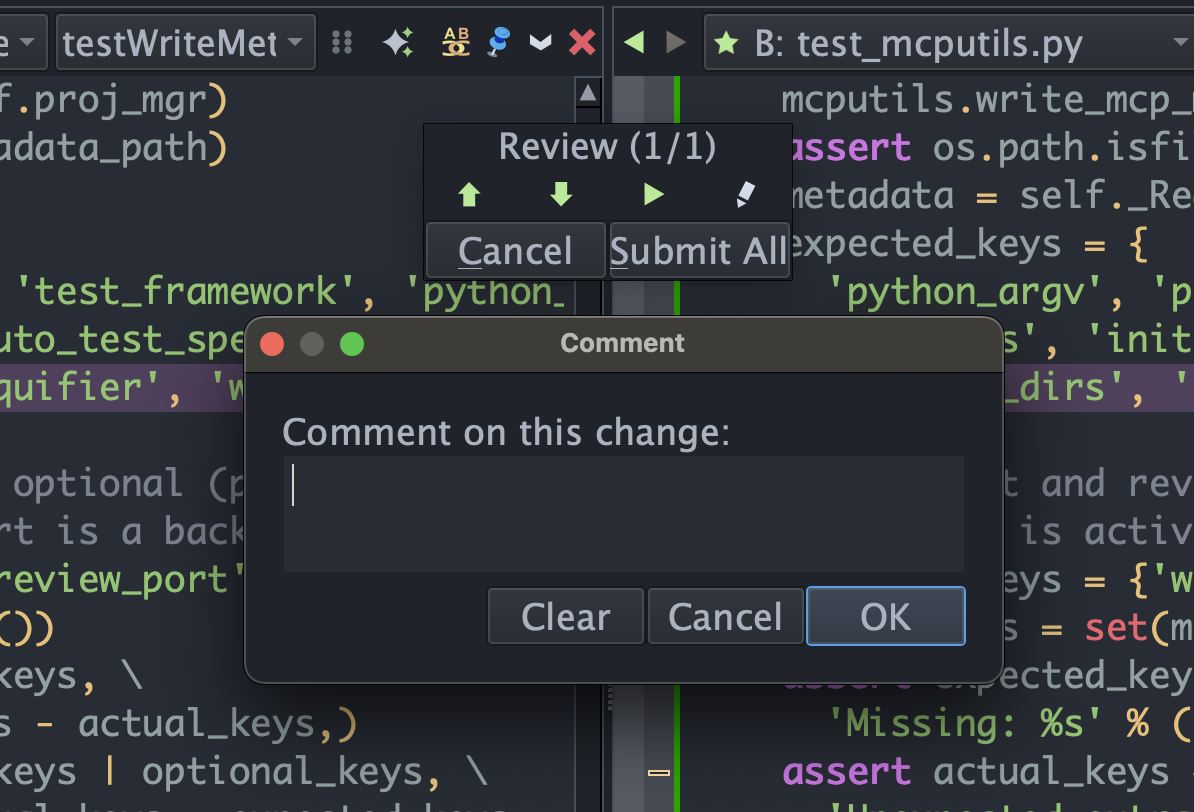
Review Workflow
Code review for AI-written code, built into the IDE. Every set of changes the agent makes is presented as a structured diff. Add file-level or hunk-level comments, ask the agent to address them, revert individual hunks, and approve or reject the final result -- all without leaving Wing.Wing 12 AI agent features are available in Wing Pro. See Pricing for Wing Pro and Wing Classic plans.
If you have questions, please contact us at support@wingware.com.